
Valid identification
A clear photo of your PAN card — photocopies are not acceptable. Your name, date of birth and PAN number must be readable.
Home / How It Works
From your first login to money in your wallet — the whole journey happens inside the app, with no paperwork and no branch visits.
Enter your mobile number, verify with the OTP and start your journey. Registration takes less than a minute.
Upload a clear photo of your PAN card and fill in your basic details. Each completed section pushes your assessed limit higher.
Our model assesses your credit history and returns your limit. Withdraw the amount you need — funds transfer straight to your wallet.
Clear limits, clear costs, clear repayment dates — every screen tells you exactly where you stand.

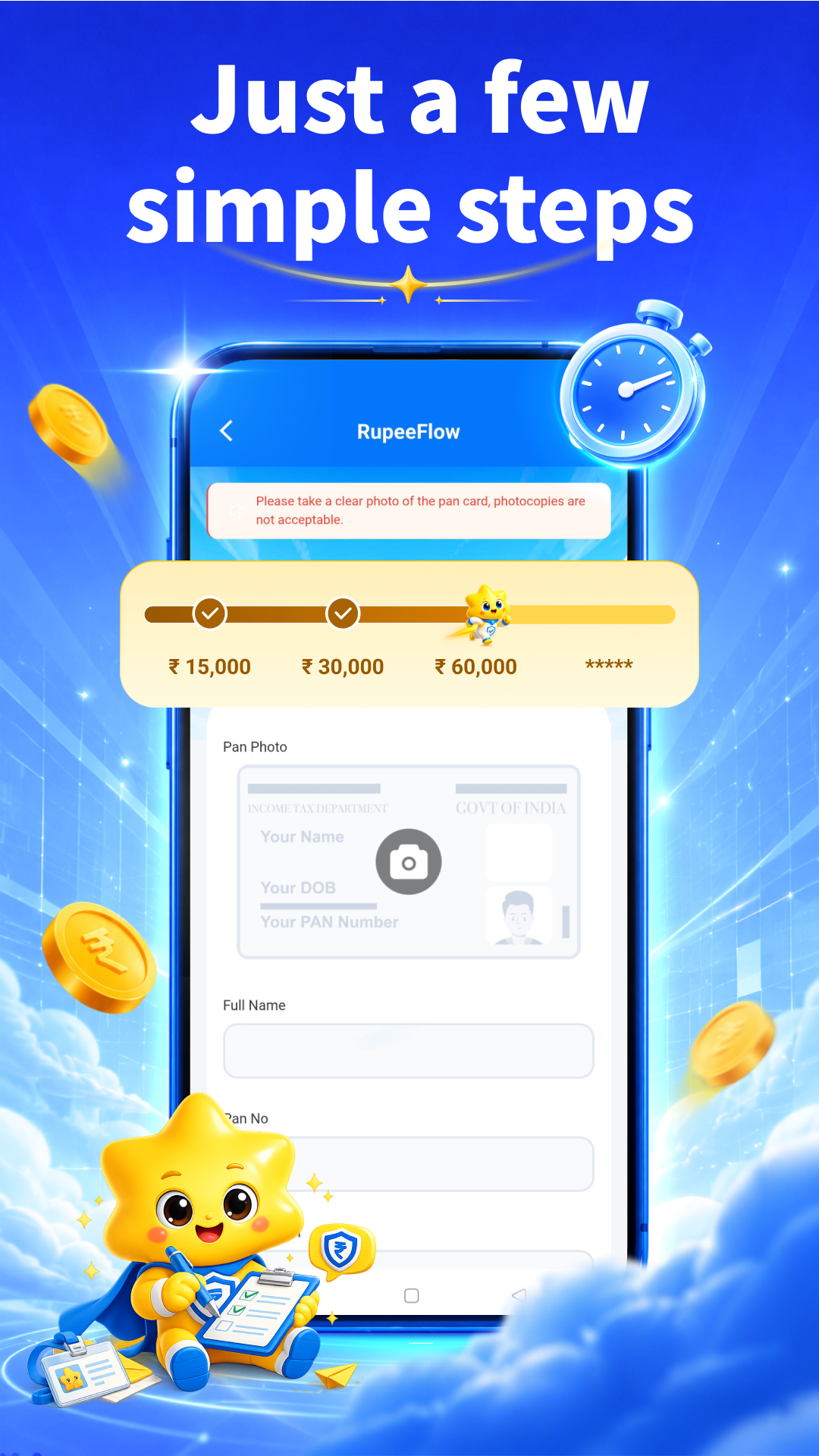


A clear photo of your PAN card — photocopies are not acceptable. Your name, date of birth and PAN number must be readable.
You must be 18 years of age or older to apply. Minors are not eligible for a RupeeFlow credit limit.
Your +91 mobile number receives the verification code used to create and secure your account.
Approved withdrawals are transferred to your account, and repayments are collected from it.
The assessment is free. You decide afterwards whether — and when — to withdraw.
Get Limit Now